How to Exchange BTC for LTC: What to Check Before Creating an Order

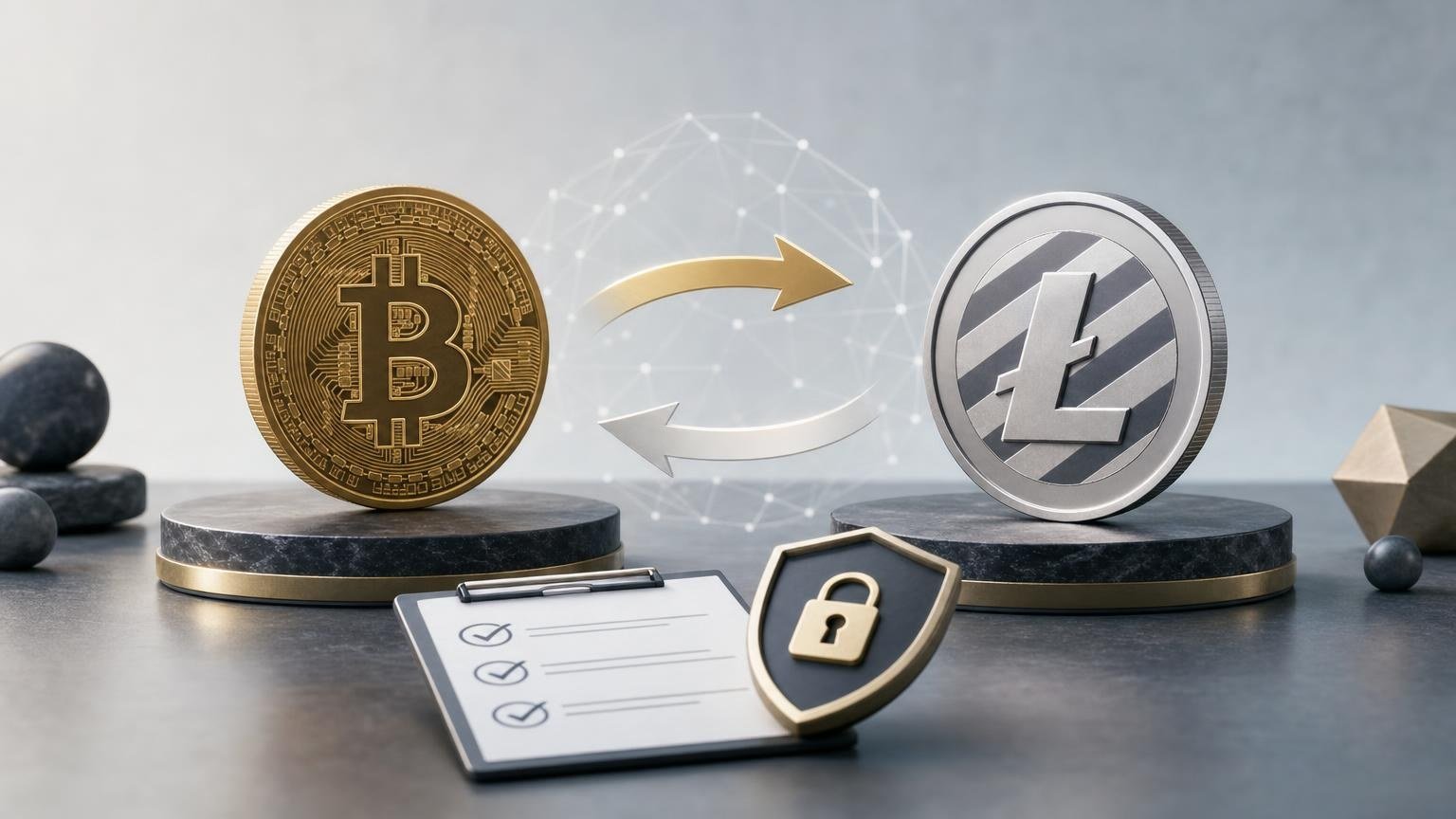
After reading this guide, you should be able to review a BTC-to-LTC exchange order, explain what each important field means, and identify details that must be corrected before you send Bitcoin. You do not need to understand trading or predict either asset’s price. You only need a BTC wallet with enough funds, an LTC receiving address you control or can verify, and the ability to compare order details carefully.
What happens in a BTC-to-LTC exchange
A BTC-to-LTC exchange has two separate blockchain transfers. First, you send Bitcoin to the deposit address specified in the order. After the service detects and processes that transfer under the applicable conditions, it sends Litecoin to the LTC address you provided.
A useful analogy is a parcel-forwarding service: one item arrives at an intake point, and another is delivered to the destination you named. The analogy stops there. Blockchain transfers are not ordinary parcels: a transaction may be difficult or impossible to reverse, and the receiving address must belong to the correct network.
BTC and LTC are separate assets with their own transaction records and addresses. A blockchain transaction generally moves value from existing outputs to new outputs, while a transaction identifier allows that transaction to be referenced and inspected. Bitcoin’s developer documentation describes transactions as having inputs and outputs, and Litecoin Core likewise exposes addresses, transaction values, and transaction IDs as distinct data. [1]
Before creating an order, confirm that the BTC-to-LTC direction and the required networks are currently supported. The service supports BTC and LTC, but support for both assets does not automatically mean that every pair, network, or direction is available at all times. Verification requirements may also depend on the selected direction and the results of compliance checks, so review the current conditions rather than relying on an earlier exchange.
Anatomy of a sample exchange
Consider a neutral learning example. A user chooses BTC as the asset to send and LTC as the asset to receive. The user obtains a Litecoin address from the destination wallet, enters it into the order, reviews the displayed calculation, and receives a Bitcoin deposit address from the exchange service. No real amount, rate, address, or fee is used here because those details are dynamic and must come from the live order screen.
Asset to send: BTC
This field tells the service what you will deposit. It comes from your intended exchange direction and must match the balance held in your sending wallet. Selecting BTC means the deposit instructions should ask for Bitcoin, not Litecoin or another asset. Sending a different cryptocurrency to a BTC deposit address can result in a failed or unrecoverable transfer.
Asset to receive: LTC
This is the asset expected at the destination. It should be shown both in the order form and beside the estimated or final amount to receive. Check that the destination wallet supports Litecoin deposits. A wallet displaying several assets does not necessarily use one interchangeable address for all of them.
Deposit network
The deposit network is the network over which your BTC must reach the exchange address. It is specified by the order and must match the withdrawal option in your BTC wallet or sending platform. Do not choose a network merely because it has a familiar name or a lower displayed fee. If the order provides only one supported BTC deposit network, use that exact option. If your wallet cannot send over it, stop rather than guessing.
Receiving network and LTC address
The receiving network determines where the Litecoin payout will be sent. The LTC address comes from the receiving wallet or platform, not from the exchange order itself. Generate or copy it from the Litecoin deposit section of the intended destination, then compare the network name and address before submission.
Check the full address where possible, not only its first and last characters. Clipboard malware can replace a copied crypto address, while a phishing page can display deposit details controlled by an attacker. Return to the receiving wallet and compare the address again after pasting it into the order.
An address checksum may help software detect some typing errors, but it cannot tell you whether an otherwise valid address belongs to the intended recipient. Bitcoin documentation, for example, notes that address encoding can include an error-detection checksum. This is useful, but it is not a substitute for checking the destination and network yourself. [1]
Memo or Tag
Do not invent a Memo or Tag. If the LTC destination provides an additional identifier and the order form explicitly asks for it, copy it from the destination and verify it there. If neither side provides such a field for this operation, leave it absent. An incorrect or missing identifier, when one is required by a custodial platform, may prevent that platform from crediting the deposit to the correct account even if the blockchain transfer reaches its address.
Amount to send
This is the BTC amount covered by the exchange calculation. It comes from the value you enter or from the exact deposit instructions generated with the order. Compare it with your available balance and with the amount your wallet will actually send.
Pay attention to how the sending wallet handles its own network fee. Depending on the wallet interface, the fee may be added above the entered amount or deducted from it. If the exchange expects a specific BTC amount but receives less, the order may be recalculated, delayed, or handled under different conditions. The applicable treatment should be checked in the live order terms.
Estimated LTC to receive
This field shows the expected payout under the displayed calculation. It is not a price forecast. Determine whether the figure is described as estimated or fixed under specific conditions, and note whether the rate can change while you prepare or broadcast the BTC transaction. Volatility can affect the result when the order uses a floating calculation.
Rate and fees
The rate explains how the service converts the BTC amount into an LTC amount. Review which figure is displayed, how long any quoted conditions remain applicable, and whether the result changes if the received deposit differs from the entered amount.
Fees may appear in more than one place. Your BTC wallet may charge a network fee for sending the deposit, while the exchange calculation may account for its own charges and the LTC payout. Do not assume that a single number covers every cost. Read the calculation shown immediately before creating the order and the deposit instructions shown afterward. No fee or rate should be treated as current until it appears in the live interface.
Order status and transaction ID
The order status describes the service’s current stage, such as waiting for a deposit, detecting a transaction, processing the exchange, or completing the payout. The exact labels and requirements may vary. A waiting status does not by itself prove that funds were lost; first compare the deposit address, amount, transaction ID, and current blockchain record.
A transaction ID, often written as txid, identifies a blockchain transaction. Your BTC wallet should provide one after broadcasting the deposit. The LTC payout should also have its own transaction ID once it is sent. These are different transactions on different blockchains, so one txid cannot be used to inspect both legs of the exchange. Litecoin Core’s transaction interface explicitly treats the txid as the transaction identifier. [2]
Pause before the irreversible step
Before pressing the final send button in your BTC wallet, pause and explain the order to yourself in plain language. You should be able to state:
- which asset you are sending and which asset you expect to receive;
- which network the BTC deposit instructions require;
- where the LTC address came from and who controls it;
- whether a Memo or Tag is shown as required;
- how much BTC the order expects to receive;
- whether your wallet adds or deducts its network fee;
- whether the LTC result is estimated and what may cause it to change;
- what order detail you will save for later status checks.
If you cannot explain one of these points, do not use trial and error with a live transfer. Return to the order page, receiving wallet, or sending wallet and resolve the mismatch first. Never share a seed phrase or private key to create an exchange order or troubleshoot a deposit. Those secrets control the wallet and are not ordinary payment details.
Common mistakes and how to prevent them
The destination address looks valid, but it came from the wrong asset page
How it looks: the wallet accepts the pasted text, but the address was copied from a BTC or unrelated deposit screen instead of the LTC screen.
Why it happens: multi-asset wallets place several deposit pages close together, and a valid-looking string is mistaken for confirmation that the destination is correct.
What to do before sending: reopen the destination wallet, select Litecoin, confirm the receiving network, generate or display the LTC address again, and compare the entire value with the order.
The network names do not match
How it looks: the order specifies one deposit network, while the sending platform is set to another option.
Why it happens: beginners may treat an asset name and a network name as the same field or select the cheapest withdrawal option without checking compatibility.
What to do before sending: compare the network in the exchange instructions with the network selected in the wallet. If they are not identical or the wording is unclear, stop and confirm support before creating or funding the order.
The service receives a different amount than expected
How it looks: the wallet’s final screen shows a lower transfer amount than the order requested.
Why it happens: the wallet deducts its network fee from the amount rather than charging it separately, or the user edits the amount after reviewing the quote.
What to do before sending: inspect the wallet’s final breakdown and compare the amount that will reach the deposit address with the order instructions.
The address changes after pasting
How it looks: the beginning or ending characters differ from the address copied from the receiving wallet.
Why it happens: the wrong clipboard item was pasted, the address was truncated, or malicious software replaced it.
What to do before sending: cancel the action, copy the address again from the original destination, compare it carefully, and check the device for suspicious software if replacement happens repeatedly.
An old order is reused
How it looks: BTC is sent to an address saved from a previous exchange instead of to the deposit address generated for the current order.
Why it happens: the user assumes deposit instructions remain valid indefinitely.
What to do before sending: create or open the current order and use only its current instructions. Do not rely on screenshots, browser history, or saved addresses unless the service explicitly confirms they are valid for the new operation.
A short first-check routine
- Confirm that the BTC-to-LTC direction and required networks are currently available.
- Open the Litecoin destination and copy the LTC receiving address directly from it.
- Compare the asset, network, address, and any required Memo or Tag in the order.
- Review the BTC amount, estimated LTC payout, rate conditions, and displayed fees.
- Create the order and compare its BTC deposit instructions with the final screen in your sending wallet.
- Pause before broadcasting. Recheck the address and the amount that will actually arrive after the wallet’s fee treatment.
- Save the order reference and BTC txid without exposing private keys or a seed phrase.
- After processing, compare the LTC payout txid and received amount with the completed order.
When you are ready to apply this checklist, you can check whether the BTC-to-LTC exchange direction is currently available and review the live conditions before creating an order. This process reduces avoidable errors, but it cannot remove volatility, phishing, compliance checks, blockchain congestion, or differences in legal and tax rules between countries.